 Tooly
ToolyThe limits ledger
Free exporters normally hold something back, and the useful thing to know is which thing. This table is the whole answer for Tooly, row by row. The tinted column is what you get without paying anything, without an account, and without a cut-off.
| What you want to do | Tooly freeno account | Tooly Premiumoptional | Other exportersmarket observation |
|---|---|---|---|
| Export your whole contact list, start to finish | Yes — no cap | Yes | Contact caps are a common way to gate a free tier |
| Get names, international numbers and country | Yes | Yes | Varies by tool |
| Download a CSV | Yes | Yes | Varies by tool |
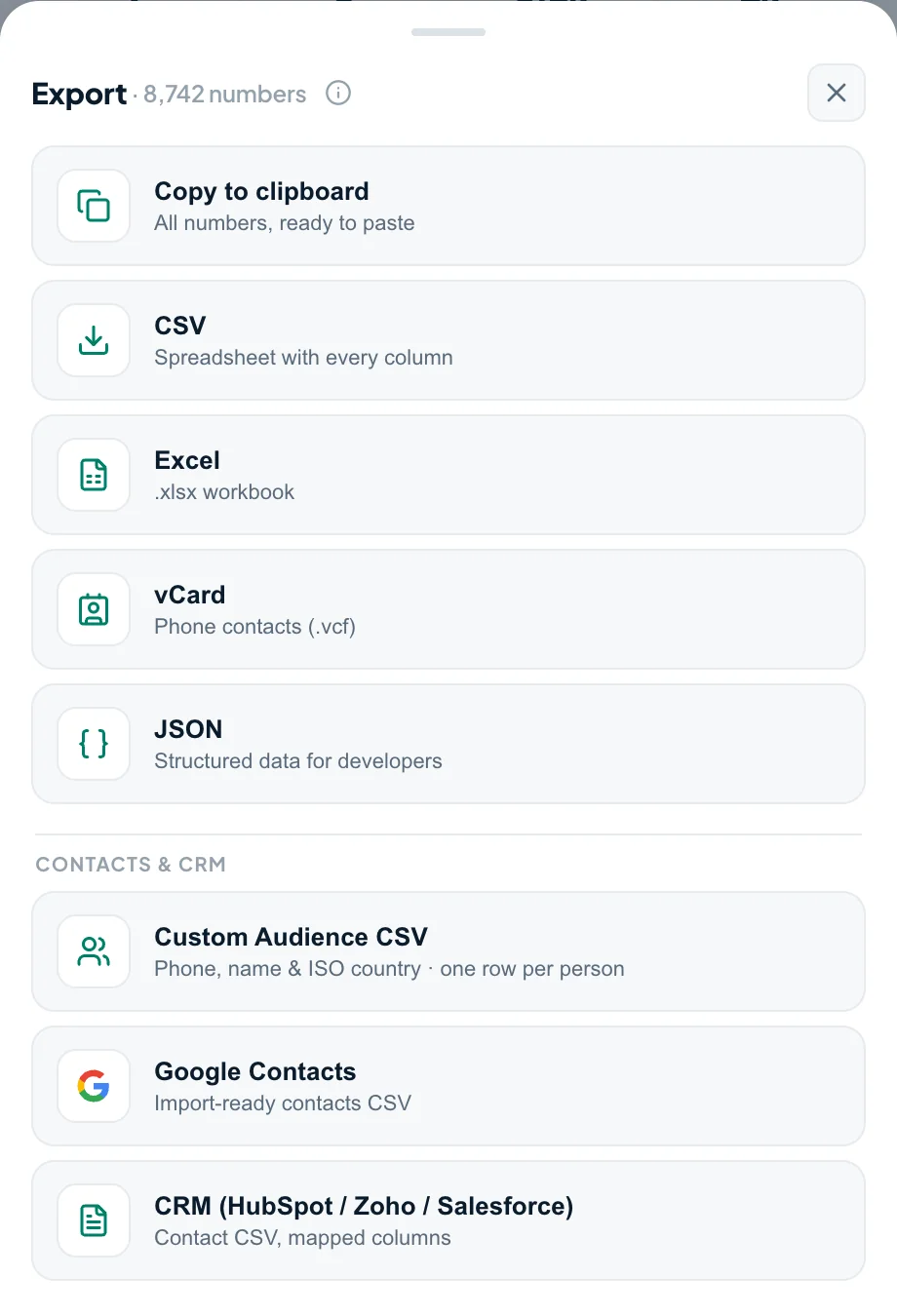
| Download an Excel file (.xlsx) | Yes | Yes | Varies by tool |
| Download a vCard (.vcf) for your phone or Google | Yes | Yes | Varies by tool |
| List the members of your own groups and chats | Yes | Yes | Varies by tool |
| Export without creating an account | Yes | Yes | Varies by tool |
| Keep the contacts on your own device | Yes — nothing is uploaded | Yes | Varies by tool |
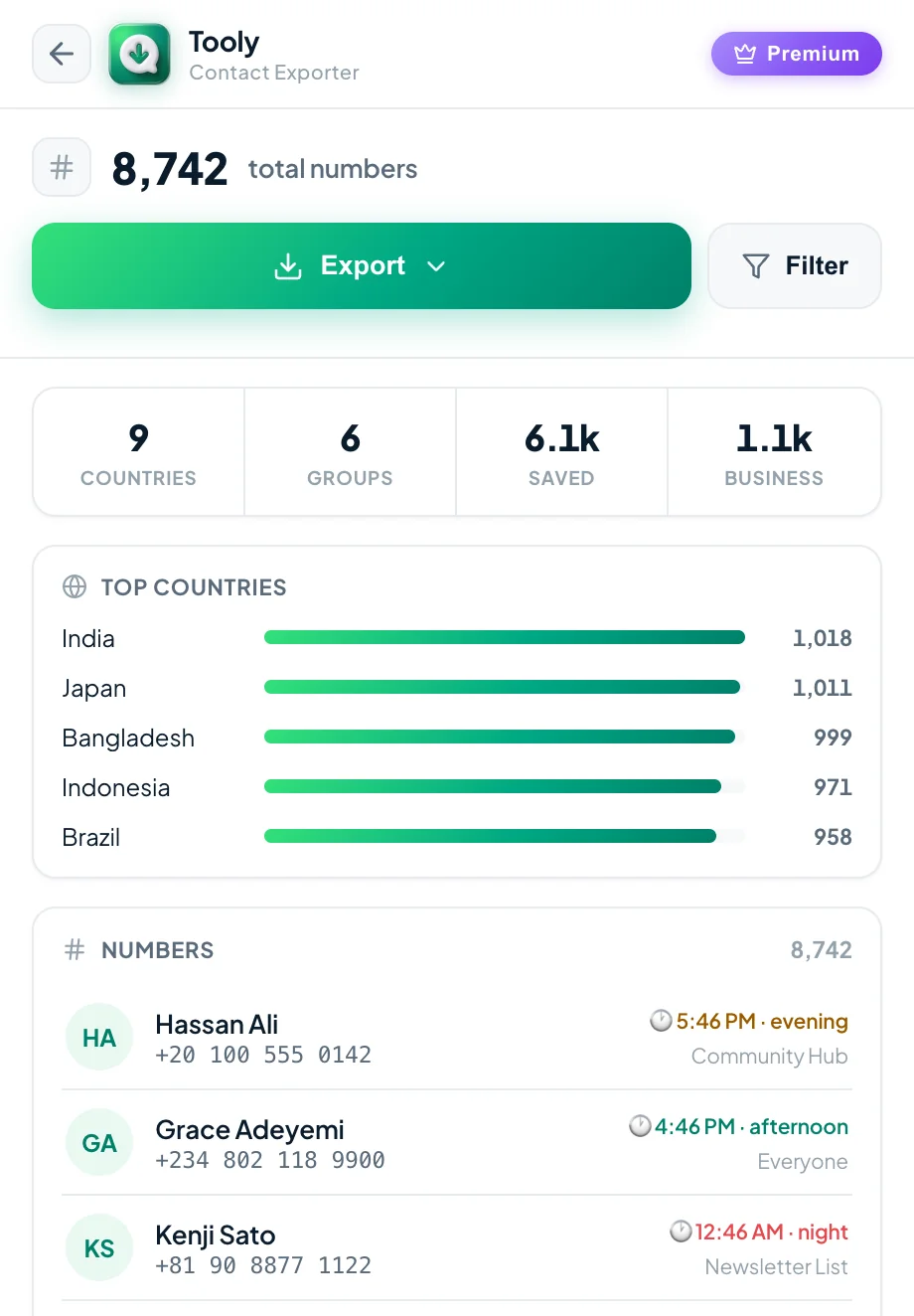
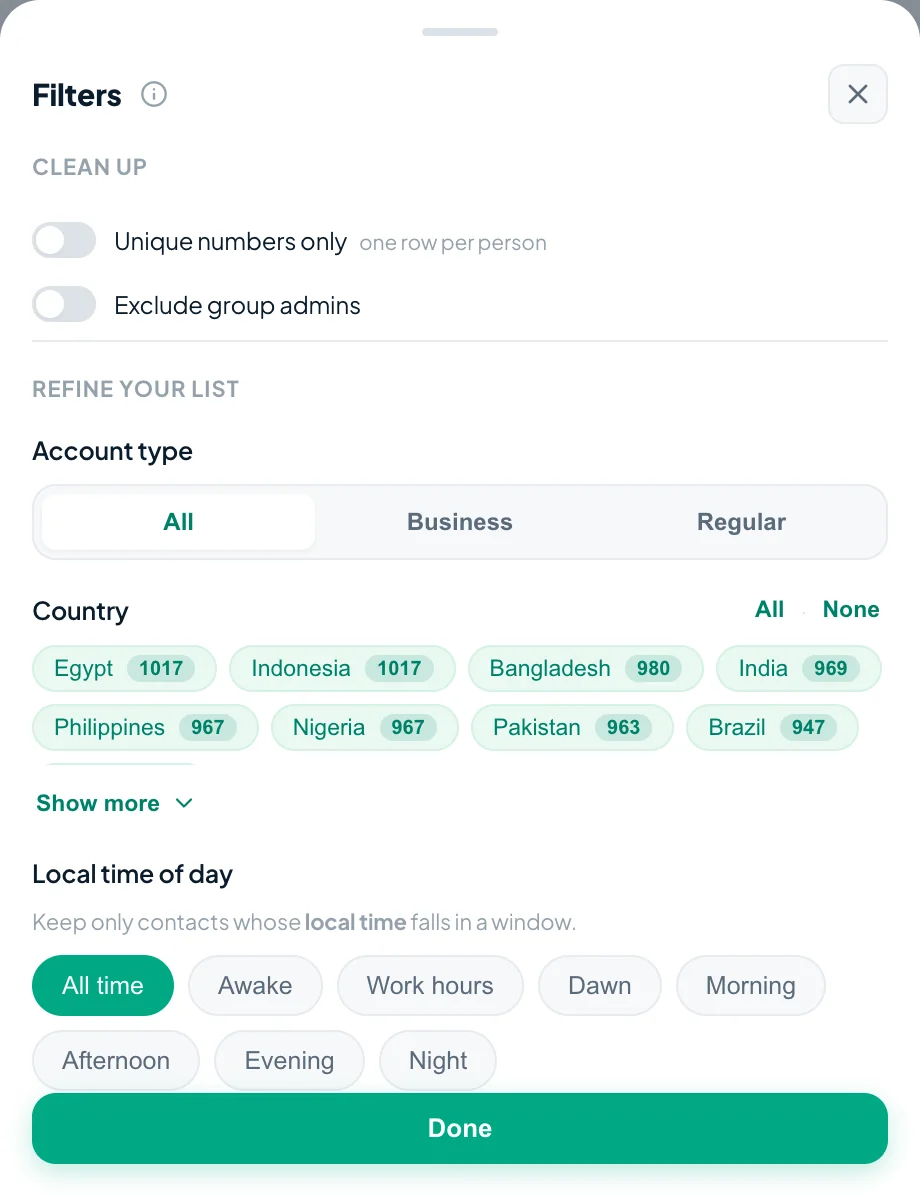
| Filter by country, account type or date, or down to unique numbers | Not included | Premium | Varies by tool |
| One-click Google / CRM column presets | Not included | Premium | Varies by tool |
| JSON output | Not included | Premium | Varies by tool |
Footnote on the last column: it is a general market observation, not an audit of any named product. The one specific we will state is that contact caps on free tiers are common. Everything else there genuinely varies from tool to tool and changes over time, so the only reliable check is the tool you are actually considering.
What “free” does not mean here
Four things that are usually hiding behind the word free, and where Tooly stands on each.
- Not a crippled export Premium adds convenience on top — filters, one-click Google and CRM column presets, JSON. The contact export itself is not the thing being withheld, so you never have to pay to finish a list you already started.
- Not free in exchange for your data Your contacts are never uploaded, so there is no server-side copy of your address book to monetise, no ad network, and nothing that follows you across the web. Free here means cheap to run, not paid for elsewhere.
- Not a signup wall No email, no account, no card, no “verify to unlock”. You install the extension and export in the same minute. Premium exists, but nothing asks you for it before you get your file.
- Not a list of strangers Tooly reads your own saved contacts and the groups you are already in. It is for organising an address book you already have — not for finding, harvesting or messaging people who never gave you their number.
How to do it, in four lines
- Add Tooly to Chrome. Install it from the Chrome Web Store: free, no account, no card.
- Open WhatsApp Web and scan. Sign in at web.whatsapp.com, then open Tooly and press Scan WhatsApp.
- Pick what to export. Choose Contacts for your whole saved address book, or Groups or Chats for one list.
- Export the lot. Press Export and pick CSV, Excel or vCard. The whole list downloads, however long it is.
Why it can be free at all
Free software usually has a bill somewhere. Here is where ours goes, so the offer does not have to be taken on trust.
- It is read-only Tooly reads the list you point it at and nothing else. It never sends a message, never changes your account, and has no reason to keep anything afterwards.
- It runs on your device The scan, the cleanup and the file all happen in your own browser. There are no servers holding contacts, so there is no per-contact cost that would make a cap necessary.
- Premium pays for it The optional extras are what fund the work. That is the whole business model, which is why the basic export can stay uncapped instead of being the thing you are charged for.
Frequently asked questions
Is Tooly really free?
Yes. Exporting your WhatsApp contacts and numbers to CSV, Excel and vCard is free, with no contact limit and no account required. Premium is optional and only adds extras like filters, one-click CRM presets and JSON.
Is there a limit on how many contacts I can export for free?
No. There is no cap on the free export. Contact caps are a common way for exporters to gate a free tier, but Tooly exports your entire list without one.
So where is the catch?
There is none on the core export. Tooly runs on your device and never uploads your contacts, so the export costs us almost nothing to give away. Optional Premium features fund the project.
Do I need an account to export for free?
No. Install the extension and export straight away. There is no sign-up, no email and no card for the free export.
Is it safe?
Yes. Tooly is read-only, never sends messages, and processes everything locally, so your contacts never leave your device. It reads your own address book and your own groups, nothing else.
Export your WhatsApp contacts free
No limit, no account, no upload. Add Tooly and export your whole list in seconds.
Add Tooly to Chrome — free