 Tooly
ToolyGoogle Contacts is the address book behind Gmail, your Android phone and half the tools you already use — so it's the natural home for the contacts trapped in WhatsApp. WhatsApp won't hand them over on its own, but Tooly reads your signed-in WhatsApp Web session and writes a CSV or vCard you can import in a couple of minutes. Once they're in Google, they're also one step from Meta Ads and your CRM.
Export to Google Contacts in five steps
- Install ToolyAdd the free extension from the Chrome Web Store — no account.
- Open WhatsApp Web & scanSign in at web.whatsapp.com, open Tooly, and press Scan.
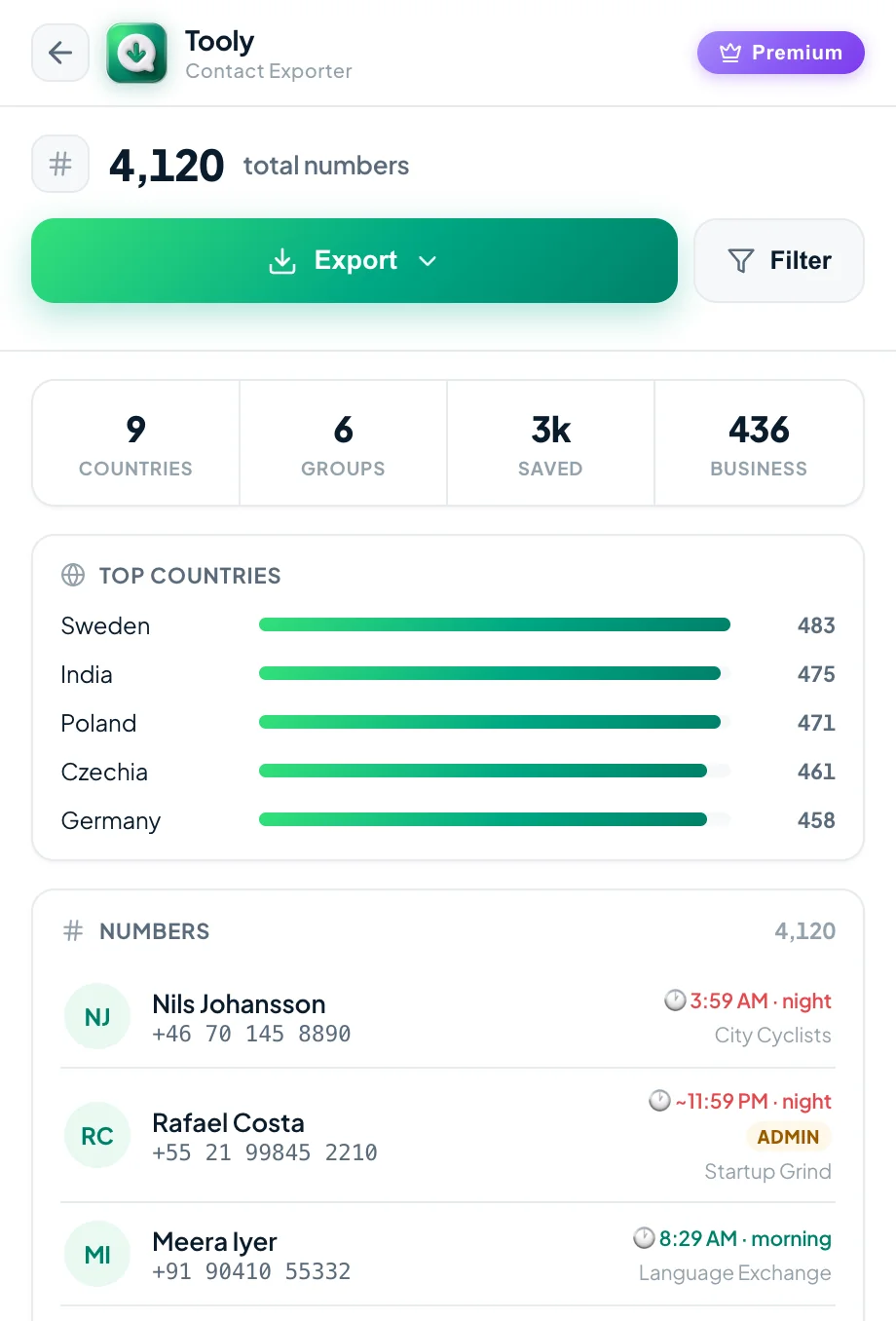
- Pick your contactsChoose the Contacts tab for your whole address book, or a group.
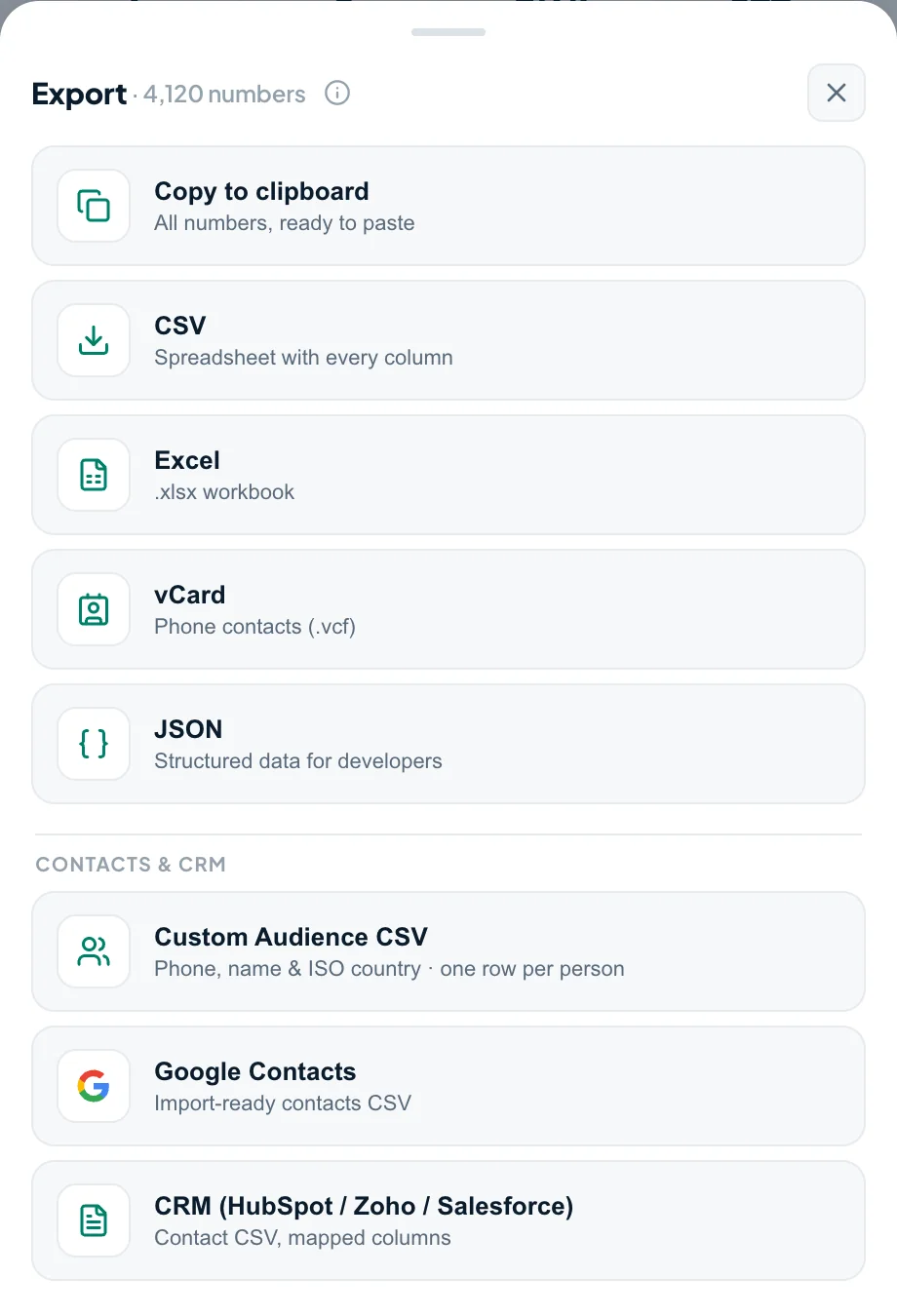
- Export → CSV or vCardIn the export menu, choose CSV or vCard — both free. With Premium, the Google Contacts preset writes a CSV with the columns already mapped.
- Import at contacts.google.comOpen Google Contacts → Import → upload the file. Done.
Where your list goes from Google Contacts
The reason Google Contacts is worth the extra step: it's a launchpad. With Premium, the same scan gives you three ready-made CSVs, so you're never re-formatting by hand.
-
Sync
Gmail & Android
Once imported, your contacts sync to Gmail and every Android device signed into that Google account — no re-typing.
-
Advertise
Meta Ads audiences
Tooly's Custom Audience CSV (phone, name & ISO country) is formatted to upload to Meta Ads Manager as a Custom Audience — retarget your contacts or seed a lookalike.
-
Sell
Your CRM
A CRM-mapped CSV for HubSpot, Zoho and Salesforce — name, phone, company and source columns already lined up.
Why not just rely on sync?
People assume WhatsApp and Google keep contacts in step. They don't — not the way you'd want. On Android, contacts you already saved in Google appear inside WhatsApp, but WhatsApp never writes back: the people you've only met through WhatsApp, group members, and business numbers stay stuck in the app. Exporting is the only way to pull those into Google Contacts, and it's a one-time CSV, not a fragile background sync.
More Tooly guides
- How to export WhatsApp contacts — the complete overview of every method and format.
- Export to Excel or CSV — for sorting, editing and analysis.
- Export group members — pull a whole group into a list.
Frequently asked questions
How do I sync my WhatsApp contacts to Gmail?
Export your WhatsApp contacts to a CSV or vCard with Tooly, then open contacts.google.com and choose Import. Because Google Contacts is the address book behind Gmail, the numbers you import show up in Gmail automatically. Tooly is free, read-only and runs on your device, so nothing is uploaded along the way.
How do I move WhatsApp contacts to my Google account?
Tooly reads your signed-in WhatsApp Web session and writes a free CSV or vCard in one click. Sign in at contacts.google.com, choose Import and upload that file — your WhatsApp names and numbers land in your Google account and sync onward to Gmail and Android. It's free and stays on your device.
How do I import WhatsApp contacts into Google Contacts?
Export a free CSV or vCard with Tooly, then go to contacts.google.com → Import → upload the file. Google picks up the names and numbers; the Premium Google Contacts preset goes further and maps every column to Google's own fields.
Does WhatsApp sync with Google Contacts automatically?
Not both ways. On Android, contacts saved in Google appear in WhatsApp — but WhatsApp never pushes its own list back to Google. To move WhatsApp's contacts into Google you export them and import the CSV.
Can I use my WhatsApp contacts for Meta / Facebook ads?
Yes, with consent. The Custom Audience CSV, a Premium preset, is formatted to upload to Meta Ads Manager as a Custom Audience for retargeting or lookalikes. Only upload people who've agreed to hear from you — Meta requires it.
Can I import WhatsApp contacts into a CRM?
Yes. Tooly Premium also writes a CRM-mapped CSV for HubSpot, Zoho and Salesforce, with the columns already lined up so the import just works.
Is it free?
Yes — exporting a CSV or vCard and importing it at contacts.google.com is free and unlimited, no account needed. Premium adds extras like the one-click Google Contacts, CRM and Custom Audience presets, filters and JSON.
Send your WhatsApp contacts to Google
Free, read-only, and 100% on your device. Export a CSV or vCard and import it in minutes.
Add Tooly to Chrome — free